Extension for Google Sheets
Build, audit, and understand complex spreadsheets
Growing collection of intelligent tools that help you analyse, debug, and improve your spreadsheets.
Calculation steps
See precisely how a formula is evaluated. Step by step intermediate values, active branches, variable assignments, and resolved targets for lookup functions.
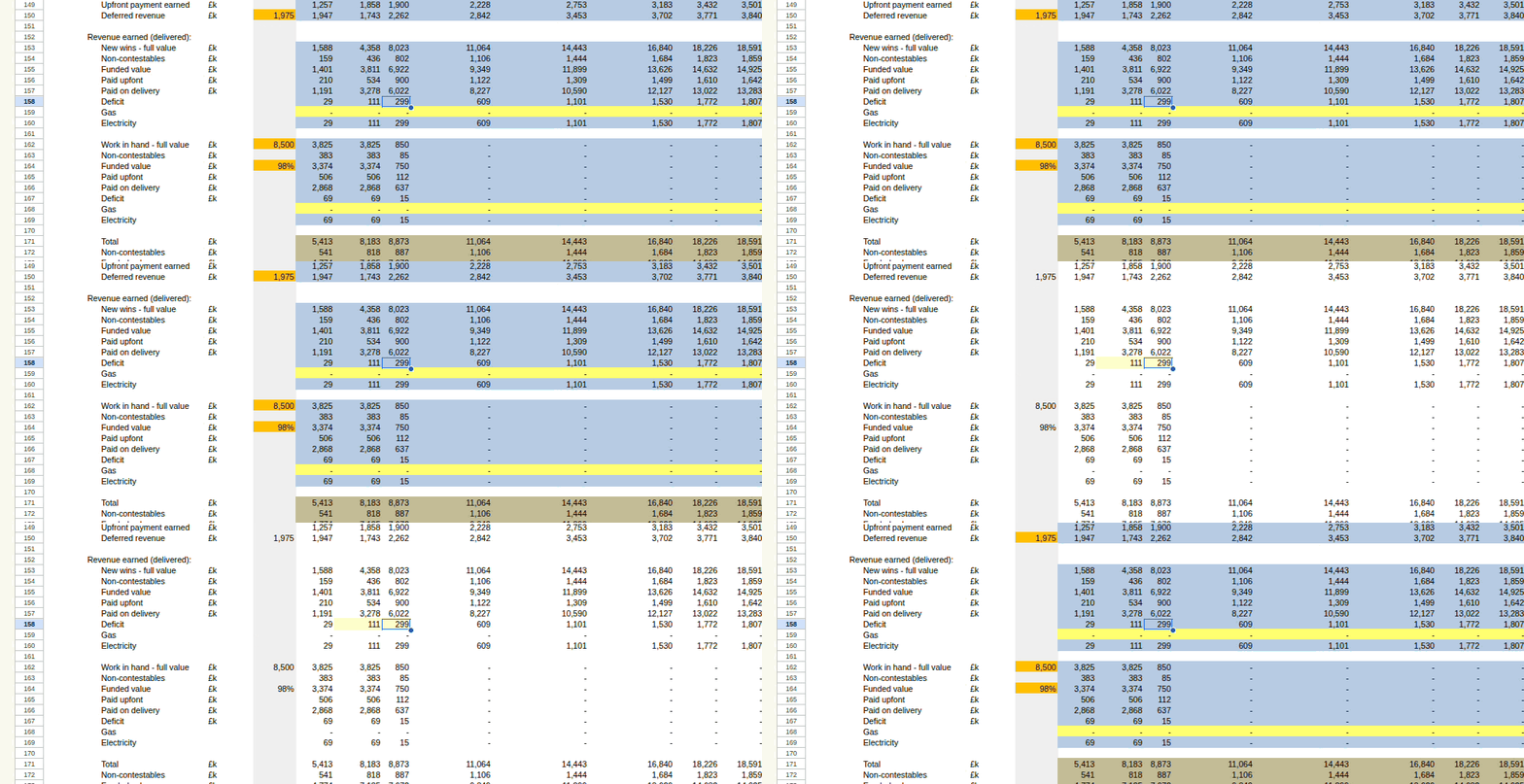
Formula map
Colour-code selected sheets to see which formulas were copied down or across, which ones break the pattern, and where the hardcoded inputs sit. Remove the map and the original colours come back.
Trace dependents
Trace direct dependents of multiple cells. Analyse large sheets and multi-sheet workbooks.
Trace precedents
View all cells referenced by a formula in a single panel. See precedents of precedents, and jump to specific ranges directly from the formula.
Utilities
Solve for target values with Goal Seek and speed up routine sheet work with configurable formatting utilities and keyboard shortcuts.
Designed for analysts, accountants, modellers, and power users.
Free to use. Actively developed with new features added regularly.